How to Look Polished and Confident on Camera
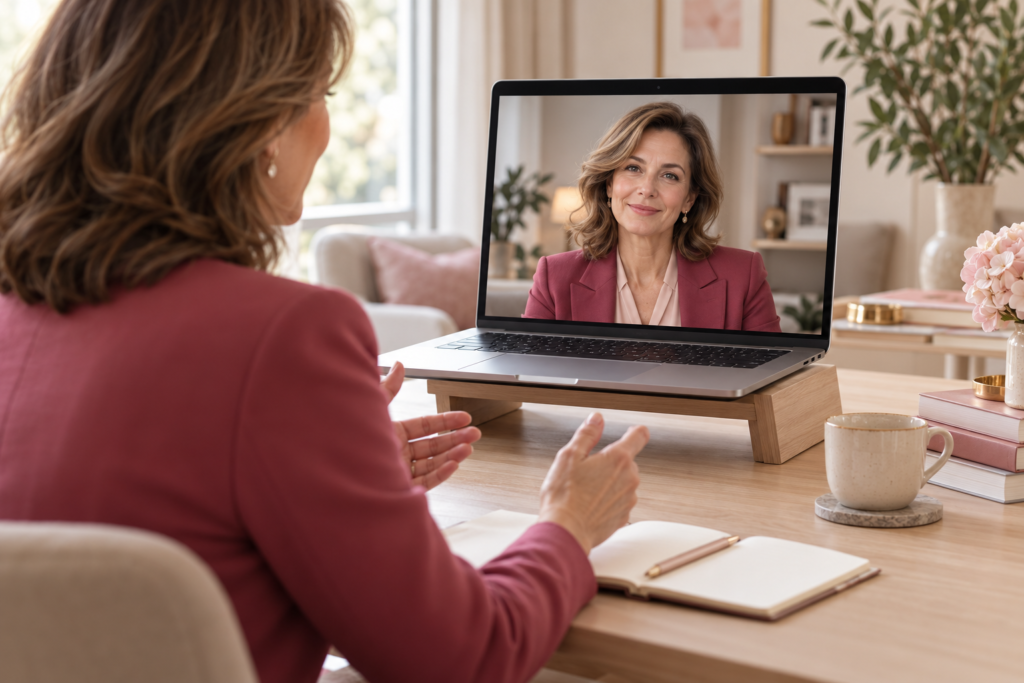
Your camera, lighting and background can all affect how your face, clothes and colours appear on screen. An outfit that looks great in person may need a small adjustment for the camera.
Whether you are joining an online meeting, attending a job interview, giving a presentation or speaking with a client, your appearance is part of the message you convey.
-
Choose Colours That Keep the Focus on Your Face
When choosing colours, consider your natural colouring, along with your lighting and background. If deep, clear colours and stronger contrasts suit you, try pairing a darker jacket with a lighter top. If your colouring is lighter, gentler combinations with less contrast may be more flattering. A well-chosen colour near your face can bring your appearance to life. Start with a shade from your personal colour palette.
My tip: Before the call, try on two or three tops and focus on your face. Which colour makes you look most refreshed and brings out your features? Pure white can make it harder for some cameras to balance the exposure, depending on the lighting.
-
Patterns Play by Different Rules on Camera
Fine stripes, small checks and densely packed patterns can create a moiré effect on screen: the fabric appears to shimmer, flicker or move. A plain top is a reliable starting point. If you enjoy wearing prints, try larger, more widely spaced designs that do not draw all the attention.
My tip: Test the pattern in the video-call platform you will be using. Even fine ribbing or delicate knitwear can look different from one camera to another.
-
Let Necklines and Accessories Frame Your Face
Video calls usually show mainly your upper body, giving necklines, collars and accessories greater prominence. An open neckline can visually lengthen the neck and upper body, while a boat neckline emphasises the width of the shoulders. Choose a shape that suits your proportions and the dress code for the meeting. Earrings, a brooch or a neatly arranged scarf can add a personal touch. Check that they sit within the frame and stay in place as you move.
My tip: Listen to your accessories, too. Bracelets tapping against the desk or a necklace brushing the microphone can distract from the conversation.
-
Lighting and Camera Position Make a Real Difference
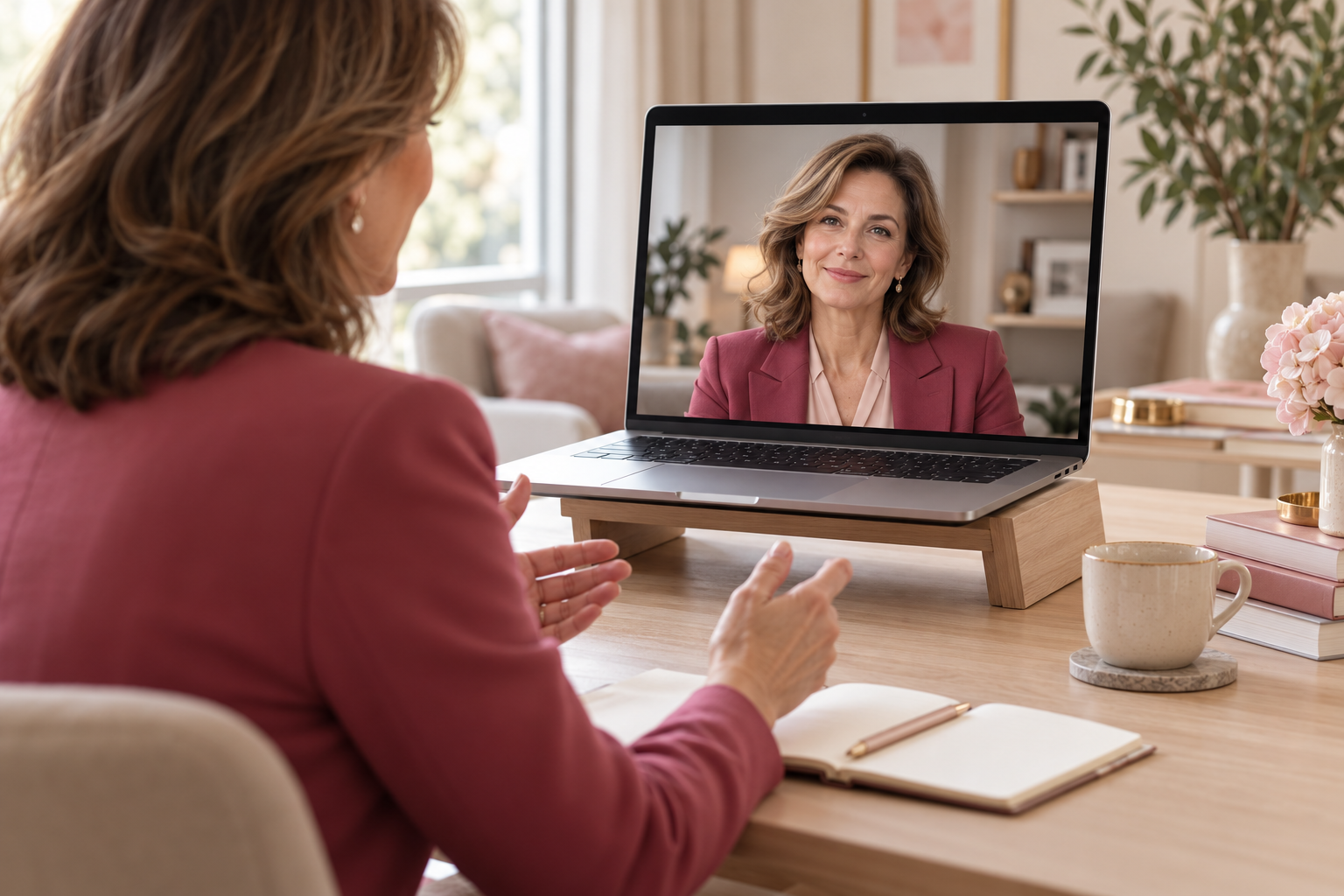
Light your face from the front or slightly to one side. A bright window behind you will often leave your face in shadow. If you wear glasses, check for reflections from your light source. Position the camera roughly at eye level. Frame your head, shoulders and part of your torso, leaving enough room for natural gestures.
A study by Fauville and colleagues (2022) found that looking towards the camera was associated with greater likeability and a stronger sense of social presence. As the study used still screenshots, its findings offer useful guidance rather than a fixed rule for every conversation.
My tip: Move the other person’s video window close to the camera. Look towards the lens when greeting them or making an important point, and let yourself watch their face on screen while listening.
-
Your Background Makes an Impression, Too
The space behind you forms part of the picture your audience sees.
In a study by Cook, Thompson and Ross (2023), faces shown against backgrounds featuring books or plants were rated as more trustworthy and competent than those shown against some of the other backgrounds tested. These were judgements based on photographs, rather than assessments of people’s actual abilities or their performance in a conversation.
My tip: Choose a tidy, uncluttered part of the room. A plant, a bookshelf or a discreet object related to your work can complement your appearance. Check that nothing in the background seems to be “growing” out of your head.
-
Dress for Your Role
Although the camera shows only part of your outfit, consider the whole. Choose clothes that help you feel comfortable, put together and ready for the meeting.
Research into enclothed cognition suggests that clothing can influence our feelings, thoughts and behaviour through the meaning we attach to it. A meta-analysis by Horton, Adam and Galinsky supports this underlying idea.
My tip: Use getting dressed as a small ritual to ease yourself into the working day. Even at home, it feels good to be ready before clicking “Join”.
-
Check Your Make-up in the Lighting You Will Use
On screen, check whether your eyes, brows and lips have enough definition. If needed, gently enhance them with shades that suit your colouring. Heavier make-up is not always the answer. Adjust your lighting first, then decide whether anything else is needed.
My tip: Check your make-up on screen under the lighting you will use for the call. Pay particular attention to shine on the skin and highly reflective products.
-
Make Sure You Sound as Good as You Look
Clear sound complements a polished appearance. Research featured on a Yale laboratory’s website found that technically distorted, tinny audio can lower listeners’ ratings of a speaker’s credibility and other qualities, even though it says nothing about their actual abilities.
My tip: Make a short test recording. Listen for clarity, echo, background noise and any tapping or knocks from the desk.
A One-Minute Check Before an Important Call
- Is your face well lit?
- Does the colour of your clothing work well with your face and background?
- Does your pattern stay still on screen?
- Are the camera height and framing right?
- Is your background tidy?
- Can you be heard clearly?